Cross-Platform Ad Budget Monitoring
Impact
Problem
The agency managed ad accounts across Meta and Google Ads for multiple clients. Before I took over the digital department, overspend incidents had happened multiple times, totalling SGD 70K+ in losses (including one single SGD 50K incident). SOP was added, but it still relied on people checking manually. Weekends and after-hours were unmonitored.
After I took over the digital department, I decided to replace the SOP with automated monitoring. Budget compliance is a logic problem (spent vs limit), not a judgment call. A machine does not forget, does not skip weekends, and does not misread numbers. The constraint was: no dedicated budget for external tools or API subscriptions, so everything had to be built with what we already had.
Key Decisions
-
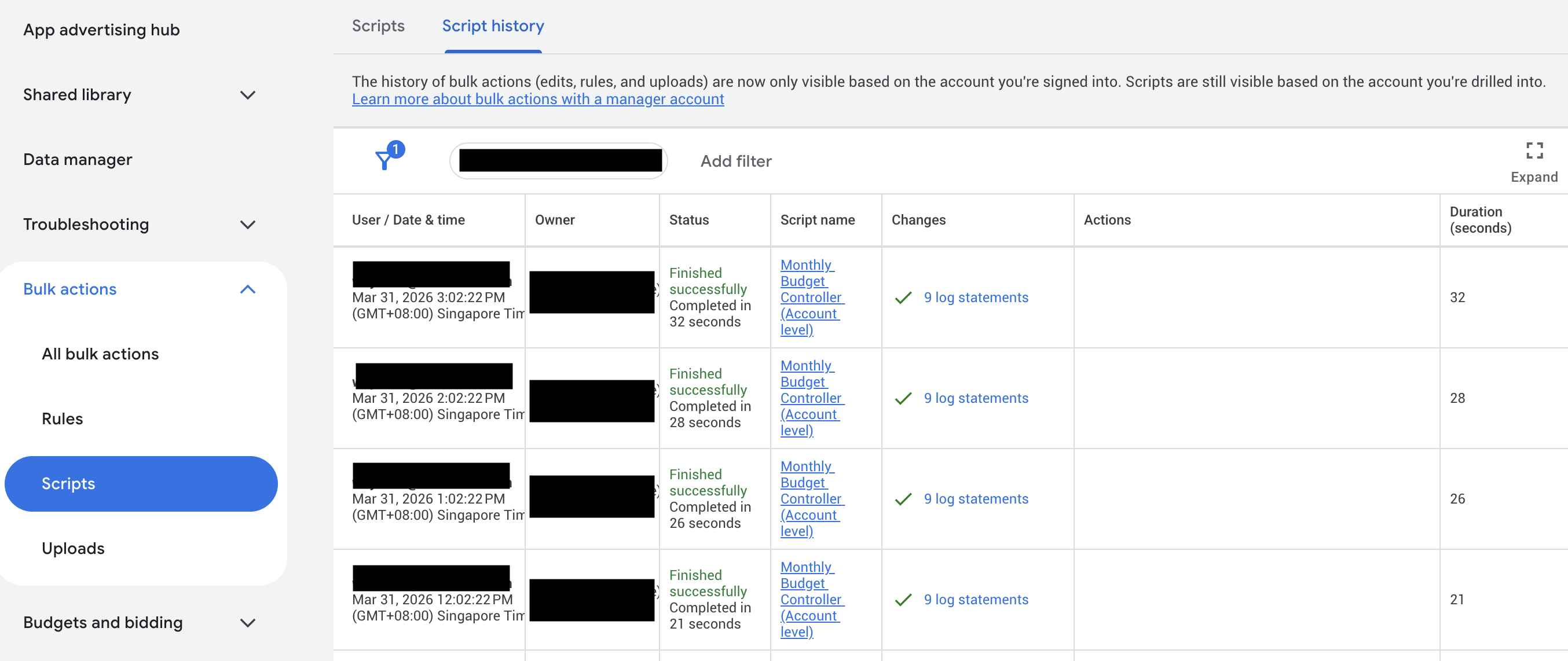
Why two separate systems (n8n + Google Ads Scripts) instead of one unified platform?Constraints drove this. Google Ads API requires a special application process for access, and we had no budget for it. Google Ads Scripts are free, run inside Google's infrastructure with full MCC-level access, and can pause campaigns programmatically. For Meta, n8n was already deployed internally and had a built-in Facebook Graph API node. Using each platform's most accessible tool was the pragmatic choice given limited resources.
-
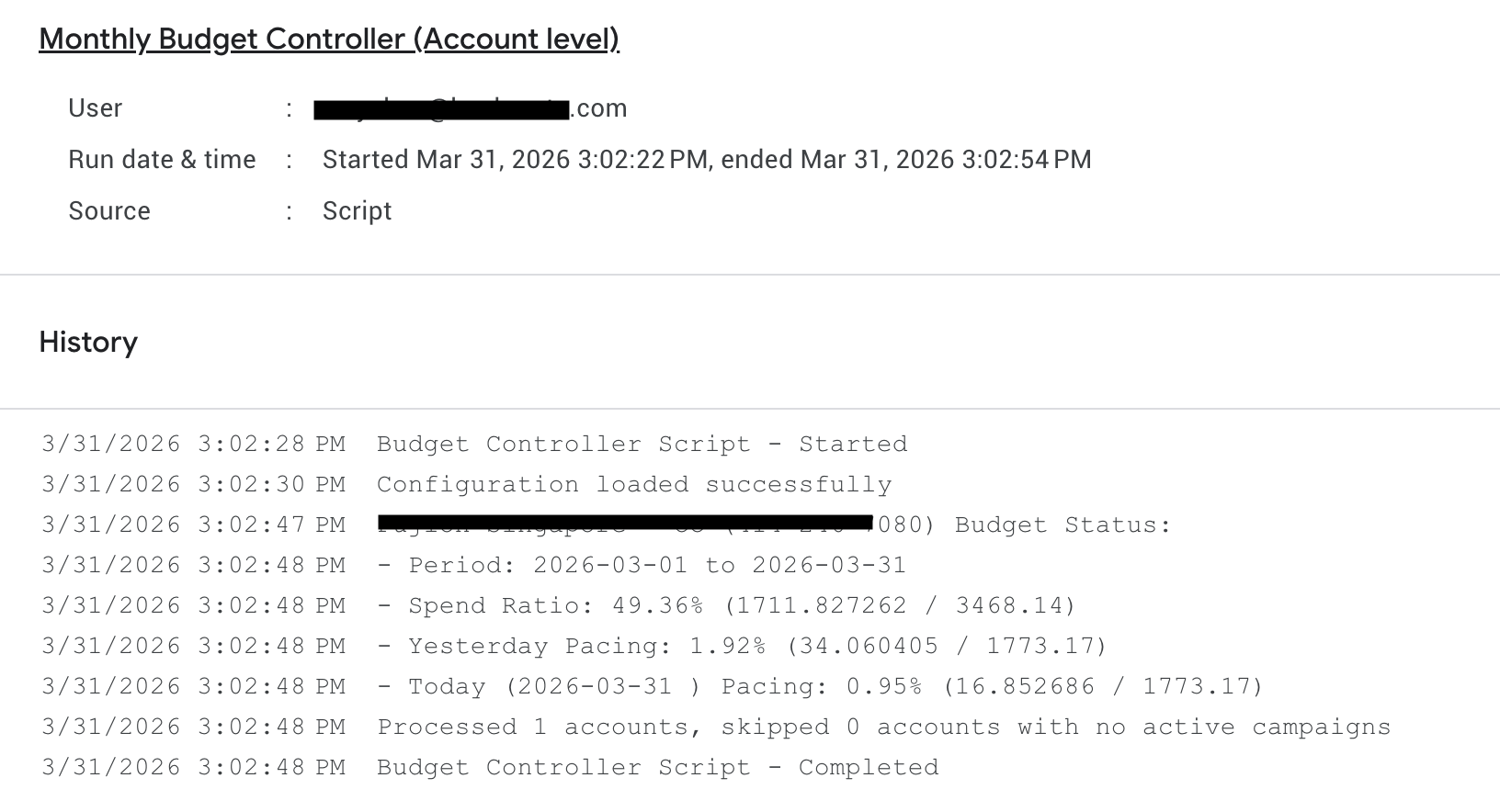
Why are the Meta and Google monitors solving different problems?Meta campaigns typically use campaign-level budgets with end dates, so overspend risk is relatively low. The Meta monitor was more about helping finance prepare payments: multiple services shared one credit card, so the finance team needed early visibility on outstanding balances to release credit limits. Google Ads is different. Some campaign types only allow daily budgets, clients have hard monthly limits. The Google monitor acts as a hard budget gate: if monthly spend hits the limit, campaigns auto-pause immediately.
-
Why Slack alerts for Meta and email for Google?The ad ops team lived in Slack. Slack Block Kit messages gave rich formatting: account name, status, outstanding balance, and a direct link to the Meta Business payment page. The team could see the alert, click the payment link, and resolve it in under a minute. Google Ads used email because campaign auto-pause was the primary action, not a manual response. The email served as a record of what happened, not a call to action.
-
Why Google Sheet as the configuration layer?Account managers, not developers, needed to add new client accounts, update budgets, and toggle monitoring on or off. A Google Sheet was something they already knew how to use. Both the n8n workflow and the Google Ads Script read from the same sheet format, so adding a new client to monitoring took 30 seconds with no code changes.
Architecture
Transferable Pattern
Replacing manual SOPs with automated monitoring for rule-based compliance. Applicable to any business with budget limits, inventory thresholds, or SLA targets that need 24/7 enforcement without relying on people to remember.